Tracking Toronto Traffic on the iPhone
I drive often enough on highways in Toronto to know that sitting in bumper-to-bumper situations (on the eastbound Gardiner Expressway, at the Humber, at 6pm on a Tuesday evening) can get the better of you.
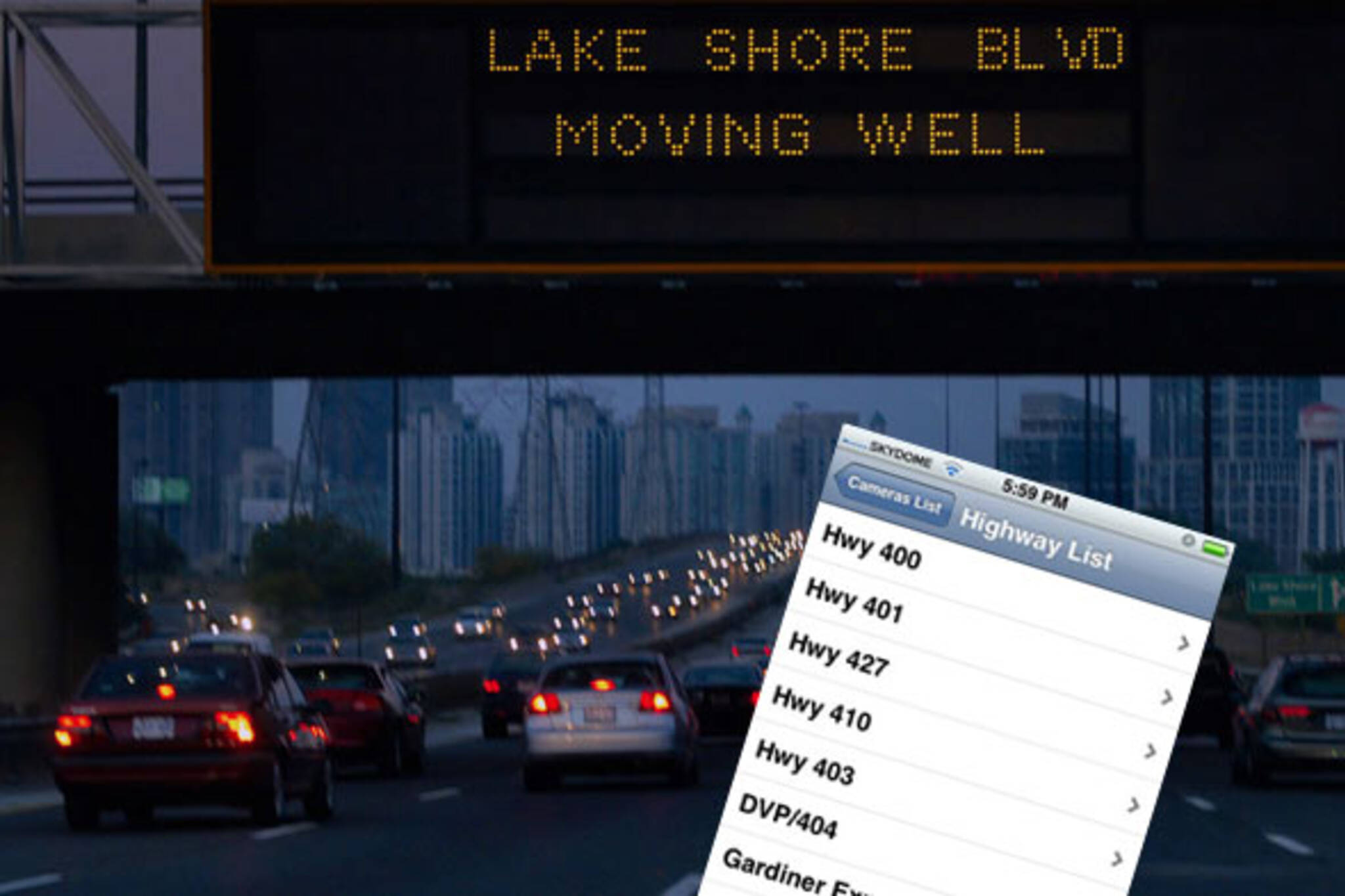
I distract myself from the fact that the illuminated road sign ahead says "GARDINER MOVING VERY SLOW SOUTH KINGSWAY TO BEYOND DUFFERIN" (on a good day the word VERY is not included in the message). I ask myself questions that I never remember to follow through on, like "how does that sign know where and when there's congestion?"
Upon doing a little digging, I discovered that it's not just helicopters observing from overhead, and cameras scanning the road from utility poles. We also have sensors buried beneath the pavement that detect vehicle movement patterns and automatically report conditions back to the City and the public via road signs and the web and, if you feel that ten buckaroos is worth it, to your iPhone.
Last December I wrote about the Toronto Traffic Widget for Mac that allows for quick desktop access to camera views of highways in the GTA. The desktop widget is pretty straight forward - it allows you to quickly view the various traffic cameras images of Toronto's highways, which are published on the web in near real-time. For tracking Gardiner and DVP traffic, images are harvested from the City of Toronto web site (via the RESCU camera system). For cameras located on the 401 and QEW, the widget scrapes images from a different system called COMPASS, which is run by the MTO and posted to the Ministry web site.
When I found out that a similar program had been developed by the same company for the iPhone. I decided to give it a whirl.
Toronto Traffic on the iPhone means I'll no longer have to interrupt that intriguing interview on CBC Radio, or a good song on the iPod to check on road conditions ahead.
After a week of using the app, I feel that I can fairly review the good and the bad about this app.
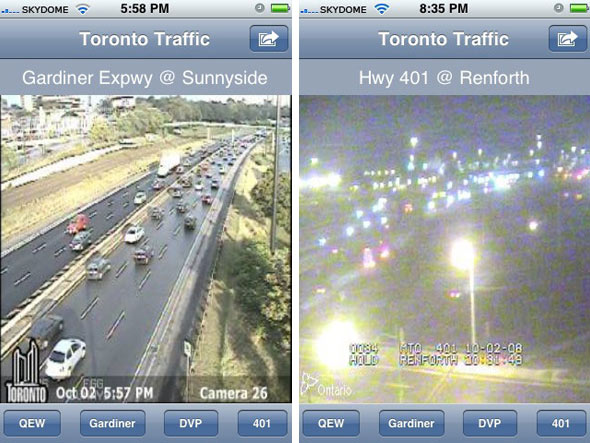
Pros:
- It's intuitive, easy to use, and customization is a snap
- I don't feel like I'm distracted from driving, because images are full-screen and the left or right quick-swipe navigation means that cycling through camera locations doesn't require pinpoint clicking or really even looking.
- Even when outside of 3G range, images load quickly enough on Edge.
- Traffic flow images pulled from the City of Toronto site, via RTIS (which uses sensors buried in the road to detect and report on traffic flow) are relayed well enough to the app. This means that you can get a quick look at congestion on the entire length Gardiner and DVP (see screencap below).
- It saves having to turn to AM radio on the ones.
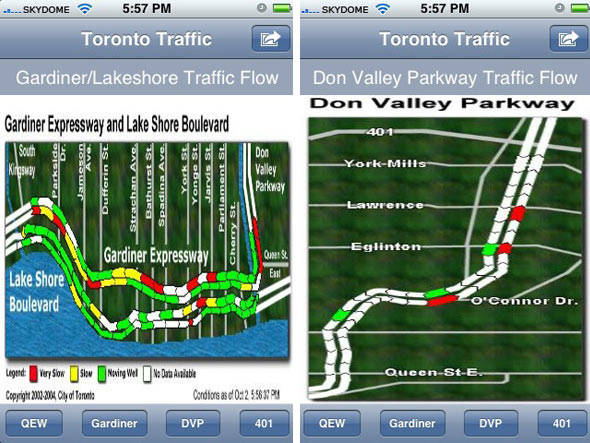
Cons:
- Depending on the time of day and weather conditions, some camera views are impossible to make out (although no fault of the app developer whatsoever, it's worth mentioning).
- The road congestion overviews for the 401 and QEW (generated by the MTO's COMPASS system) are very hard to read due to resizing issues, a problem that could be mitigated some if the app was also viewable in landscape orientation (which it isn't!).
- Where the app falls hardest is in the absence of any labeling of camera direction. On the web, the camera views are coupled with a visual key that allows you to immediately understand which direction the camera is pointed. This is absent on the iPhone app, which means you're often left guessing which way is east/west/north/south - a significant drawback.
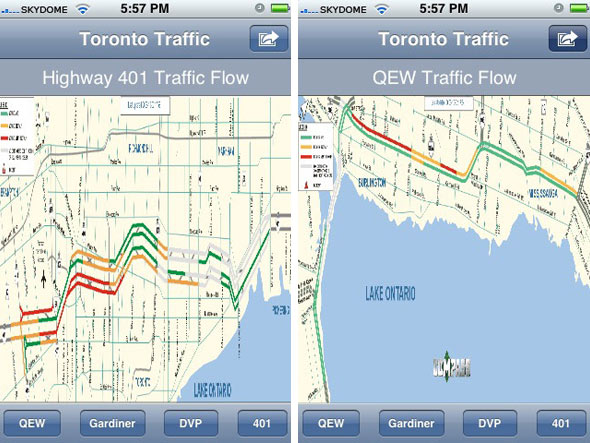
The price:
Is $10 too much? While some argue that you could create homescreen shortcuts to individual camera images instead, I'm inclined to think that if you drive often enough on enough of the GTA's highways, the app may be worth the expense. If the "limited time introductory price" of $9.99 means that the price is going up in the future, the hike really ought to come with some key improvements are made to functionality and usability.
Latest Videos
Latest Videos
Join the conversation Load comments